Give each artwork version an identifier
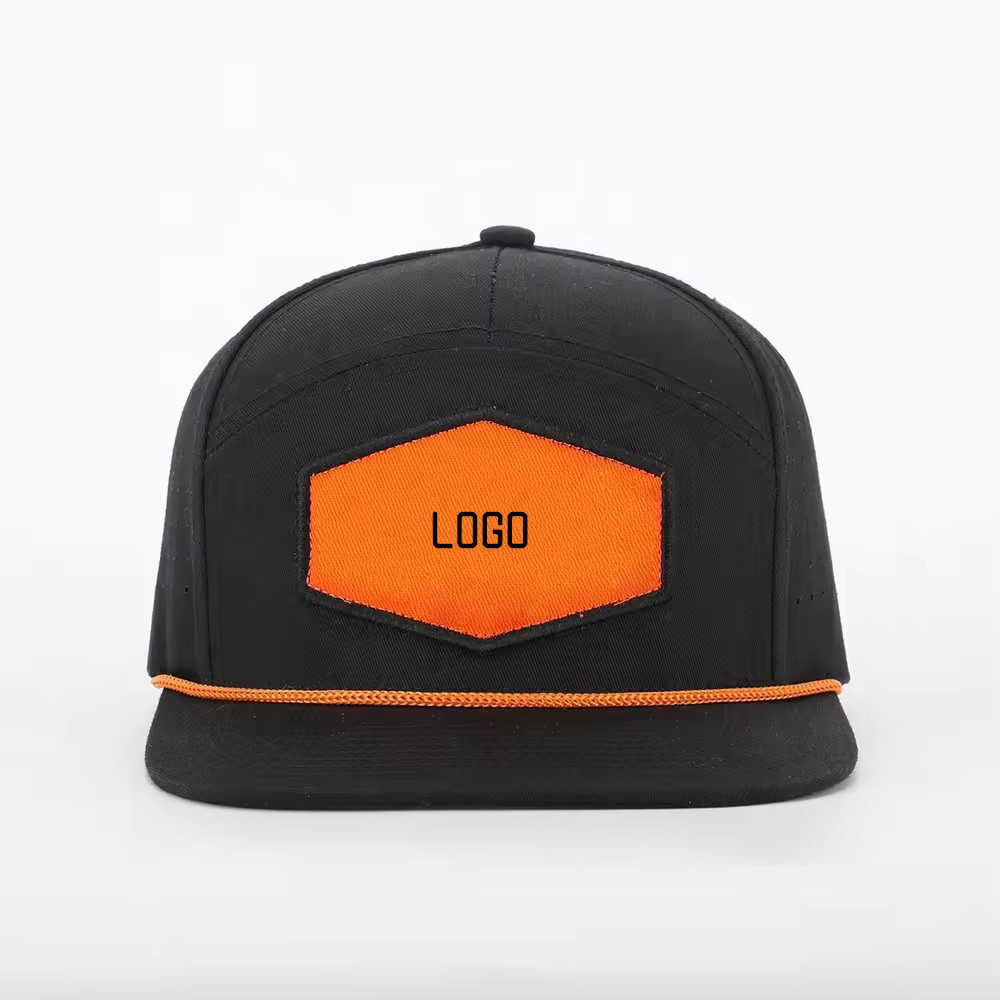
Record the file name, revision, approval date, intended hat style, and logo placement together. Retain the original artwork so a supplier can ask for an appropriate production format without recreating the design from a screenshot.
Separate artwork approval from production approval
A buyer can approve a design layout before confirming how it will appear on a physical sample. Record dimensions, color references, placement, and the proposed decoration method separately; a digital preview alone does not prove the finished appearance.
Remove obsolete artwork from the release package
Keep superseded files in an archive and label them as obsolete. Send only the accepted revision in the current order package, along with a written list of changes. Ask the supplier to acknowledge the exact revision before proceeding.
Connect artwork revisions to affected variants
Identify every color, size, logo position, or packaging component that uses the changed design. State which variants retain the previous artwork. This prevents a correction for one variant from being applied to the entire order by assumption.
Preserve the artwork acceptance record
Save the final artwork, sample photographs, requested corrections, and acceptance decision together. Confirm commercial terms and the applicable MOQ against the complete specification rather than assuming an artwork approval authorizes production.
Eligible custom programs can start at 50 pieces; final MOQ must be confirmed against style, materials, colors, logo treatment, trims, and packaging.